A DirectX 12 RAY TRACING and PATH TRACING mod for ULTRAKILL. It traces shadows, bounce light, reflections, and volumetric fog in real time with DLSS RAY RECONSTRUCTION and HDR10 support, while keeping the game’s pixel-art textures sharp.
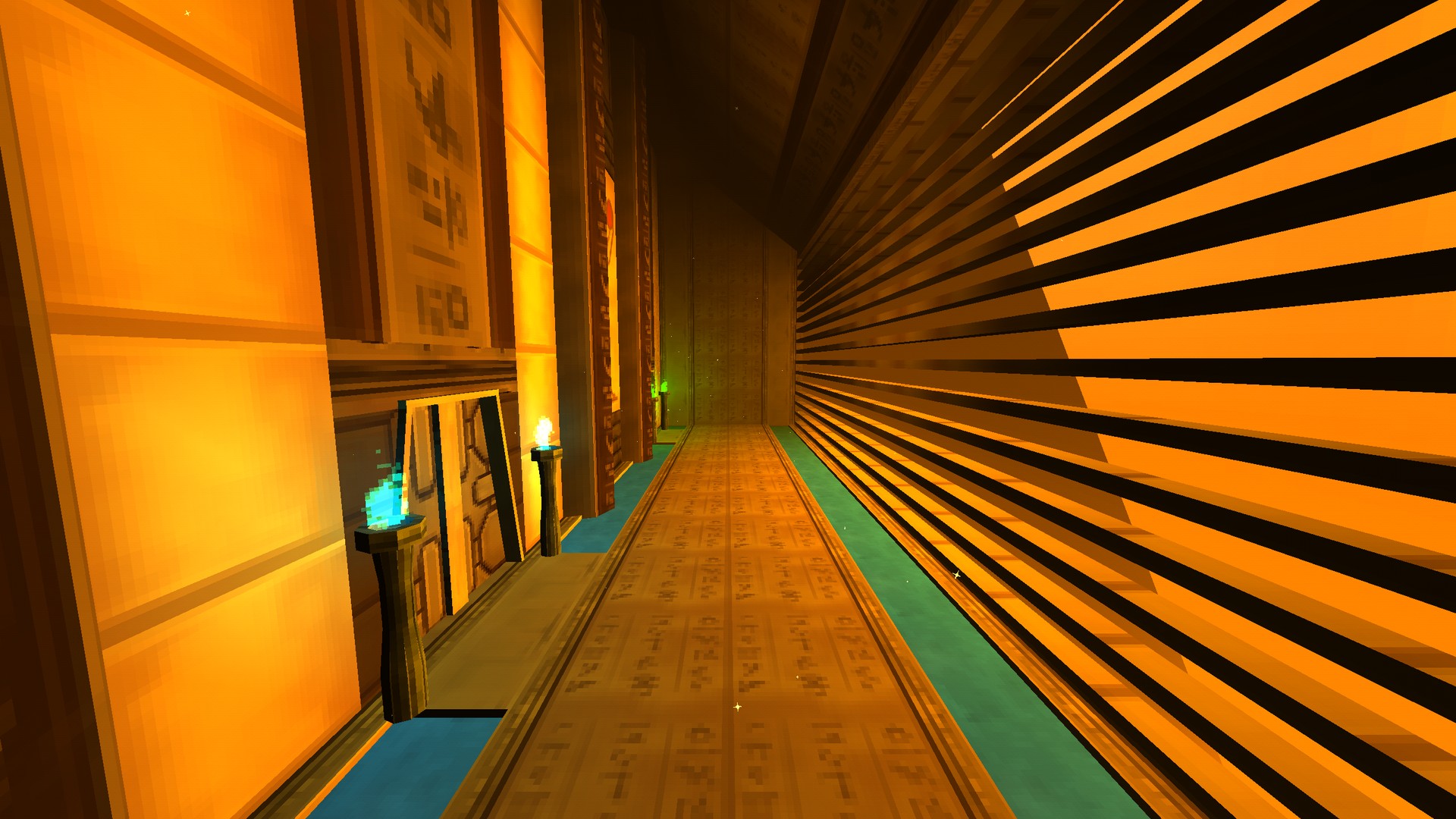
 Vanilla
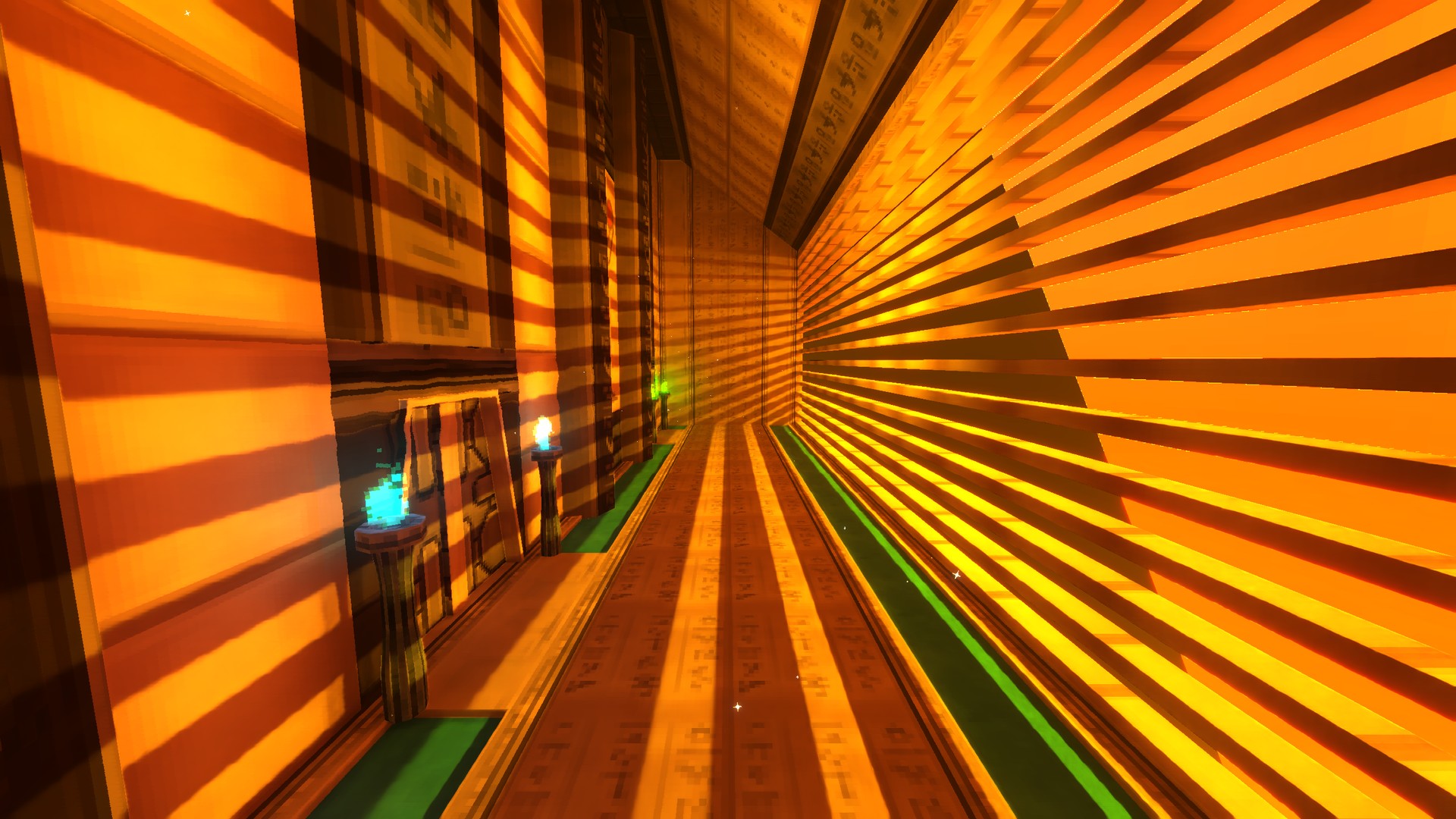
Path Traced
Lighting
Soft shadows, multi-bounce global illumination, sky lighting, and auto exposure. Glowing surfaces and lava cast light across rooms.
Reflections & Portals
Metal, glass, water, and mirrors reflect the scene, including V1 and your held weapon. Stained glass projects coloured light, water casts caustics, and light passes through portals.
Combat Light
Gunshots, weapon beams, parries, explosions, fires, torches, and lightning illuminate nearby surfaces and smoke.
Atmosphere & Surfaces
Volumetric light shafts and fog, lit smoke and blood spray, bloom, heat haze, rain puddles, glossy wet blood on floors, and an optional detail-map pack.
Denoising
Uses NVIDIA DLSS Ray Reconstruction on RTX GPUs, and falls back to UltraRT’s built-in denoiser on AMD and Intel DXR cards.
HDR10 & In-Game Tools
Optional native HDR10 output, a PluginConfigurator settings menu, a live light editor, and a free camera with offline rendering.
r2modman / Thunderstore
- Install UltraRT. Install UltraRT_DetailMaps too if you want normal and roughness detail on textures.
- Open Settings → Debugging → Set launch parameters and paste:
- Click Start modded. Open Options → Plugin Config → UltraRT in game to change settings.
Requirements
- GPU: Windows with Steam ULTRAKILL and a DXR GPU (NVIDIA RTX 20 series or newer, AMD RX 6000+, or Intel Arc).
- Launch options: ULTRAKILL defaults to DirectX 11, where ray tracing is unavailable.
-force-gfx-jobs legacyprevents a freeze in Unity’s DirectX 12 renderer when large levels unload. - First launch: Switching to
pathtracecan pause for up to 30 seconds while your GPU driver compiles the shader. - Dependencies: BepInEx 5 and PluginConfigurator.